
The iPhone 13 Pro Max is known for its premium OLED display and smooth performance. However, some users may experience a sudden screen discoloration issue where the display turns completely white, green, or yellow.
If your iPhone screen suddenly changes color, becomes unresponsive, or stops displaying content correctly, understanding the possible causes and available repair options can help you make the right decision. Apple Service Center BD provides professional iPhone diagnostic and display repair services to help customers identify and address display-related problems.
Common Symptoms of iPhone 13 Pro Max Regarding this Issue
The Screen of Death can appear in several ways. Common symptoms include:
- White Screen: The entire display turns white, hiding icons, text, and other content.
- Green Screen: The screen develops a solid green tint or becomes completely green.
- Yellow Screen: The display develops an unusual yellow tint or changes to a yellowish appearance.
- Screen Flickering: The display flashes or changes colors unexpectedly.
- Unresponsive Touchscreen: The screen may stop responding to touch inputs.
- Black Screen with No Visible Content: The phone may remain powered on while the display shows nothing.
- Intermittent Display Problems: The screen may work normally for a while before the issue returns.
The exact symptoms depend on the underlying cause, so a professional inspection may be necessary.
Why Does the iPhone 13 Pro Max White Screen Happen?
Several factors may contribute to this display issue.
1. OLED Display Failure
The iPhone 13 Pro Max uses a Super Retina XDR OLED display. If the OLED panel or its internal circuitry develops a fault, the screen may display incorrect colors, flicker, or stop showing normal content.
Physical damage is not always visible from the outside, meaning a screen that appears intact can still have an internal display problem.
2. Physical Impact or Pressure
Accidental drops, bending, or excessive pressure can damage internal display components. Even when the glass remains unbroken, the OLED panel or its connections may be affected.
3. Liquid Damage
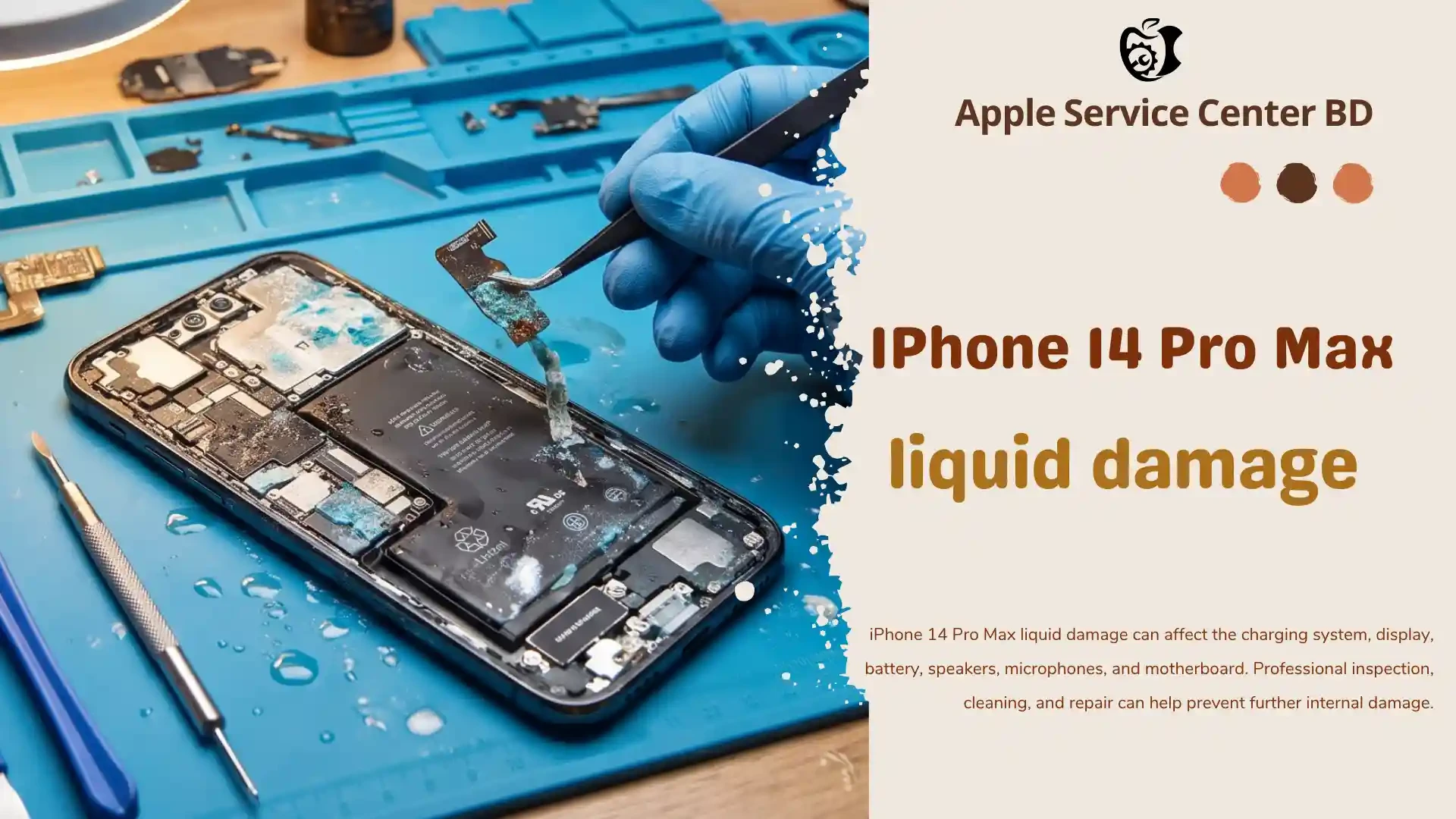
Exposure to moisture or liquid can affect internal connectors and electronic components. Corrosion or electrical faults may lead to display discoloration and other malfunctions.
4. Software or iOS Issues
In some cases, a software crash, system error, or failed update may cause the display to behave abnormally. If the problem is software-related, a display replacement may not be necessary.
5. Display Connector or Internal Hardware Problems
A damaged or improperly connected display flex cable, a faulty connector, or another internal hardware issue may interfere with normal display operation.
6. Previous Repair or Replacement
A low-quality replacement display, improper installation, or damage during an earlier repair may contribute to recurring display issues.
How to Fix the iPhone 13 Pro Max White Screen
Before deciding on a repair, consider these troubleshooting steps.
Step 1: Force Restart Your iPhone
A force restart may resolve a temporary software freeze.
- Quickly press and release the Volume Up button.
- Quickly press and release the Volume Down button.
- Press and hold the Side button until the Apple logo appears.
The restart may take several seconds. If the display returns to normal, observe whether the problem occurs again.
Step 2: Check Whether the Phone Is Still Working
Try calling the device or connecting it to a trusted computer. If the phone responds but the screen remains a solid color, the issue may be related to the display or its connection.
These checks cannot confirm the exact fault, but they can help narrow down the possibilities.
Step 3: Consider Recent Updates or Damage
Think about whether the problem started after an iOS update, an accidental drop, liquid exposure, or a previous repair. This information can help a technician identify the likely cause.
Step 4: Seek Professional Diagnosis
If the screen remains white, green, or yellow after restarting, professional diagnosis is recommended. Avoid opening the device yourself, as this may cause further damage.
A technician can inspect the display, connections, and relevant internal components to determine the appropriate repair.
Does the iPhone 13 Pro Max White Screen Require Display Replacement?
Not every White Screen issue requires a new display. The correct solution depends on the cause.
- Software-related issue: A restart or appropriate software troubleshooting may resolve the problem.
- Display connector issue: The connector or related hardware may require professional inspection and repair.
- OLED panel failure: Display replacement may be necessary if the panel is confirmed to be faulty.
- Liquid or motherboard damage: Additional repair may be required if internal components are affected.
If the OLED panel has failed, replacing the display with a suitable, high-quality part may restore normal screen functionality. However, the repair outcome depends on the condition of the device and the underlying fault.
iPhone 13 Pro Max Screen Replacement at Apple Service Center BD
If your iPhone 13 Pro Max is experiencing a white, green, or yellow screen, Apple Service Center BD can help you explore the available diagnostic and repair options.
We aim to provide a professional repair experience with:
- Careful inspection of display-related problems
- Available display replacement options for different budgets
- Clear explanations of the suspected fault and repair options
- Careful installation and functional testing
- Parts and service warranty subject to applicable terms and conditions
Our team can assess your device and help determine whether it needs display replacement or another type of repair.
Contact Apple Service Center BD to discuss your iPhone 13 Pro Max Screen of Death problem and check the availability and cost of the appropriate repair.
Frequently Asked Questions (FAQ)
1. Why does my iPhone 13 Pro Max screen turn green?
A green screen may result from OLED panel failure, internal display circuitry problems, a connector fault, or, in some cases, a software issue. Professional diagnosis is needed to identify the cause.
2. Can the iPhone 13 Pro Max white screen be fixed without replacing the display?
Yes, if the issue is caused by a temporary software problem or a repairable connection fault. If the OLED panel itself is damaged, display replacement may be required.
3. Can a force restart fix the White Screen?
A force restart may resolve a temporary software freeze. However, it will not repair a physically damaged OLED panel or faulty internal hardware.
4. Will I lose my data if my iPhone screen turns green or white?
The display problem itself does not necessarily erase your data. However, you may have difficulty accessing the device. If possible, back up your iPhone before attempting further repairs or software troubleshooting.
5. How much does iPhone 13 Pro Max display replacement cost in Bangladesh?
The price depends on the display category, parts availability, and the device's condition. Contact Apple Service Center BD for a current quotation.
6. Is it safe to continue using an iPhone with a White Screen issue?
If the device still functions, the display problem may nevertheless worsen or prevent access to important information. Arrange a professional inspection, especially if the phone has suffered impact or liquid exposure.
8. Does Apple Service Center BD provide a warranty for display replacement?
Parts and service warranty may be available subject to the applicable terms and conditions. Confirm the warranty duration, coverage, and exclusions before authorizing the repair.
Conclusion
The iPhone 13 Pro Max White Screen can be caused by software errors, OLED display failure, damaged connectors, or other internal hardware problems. A force restart may help with temporary software issues, but persistent white, green, or yellow screens require professional diagnosis. Apple Service Center BD can help you identify suitable repair options and restore your iPhone's display functionality where possible.