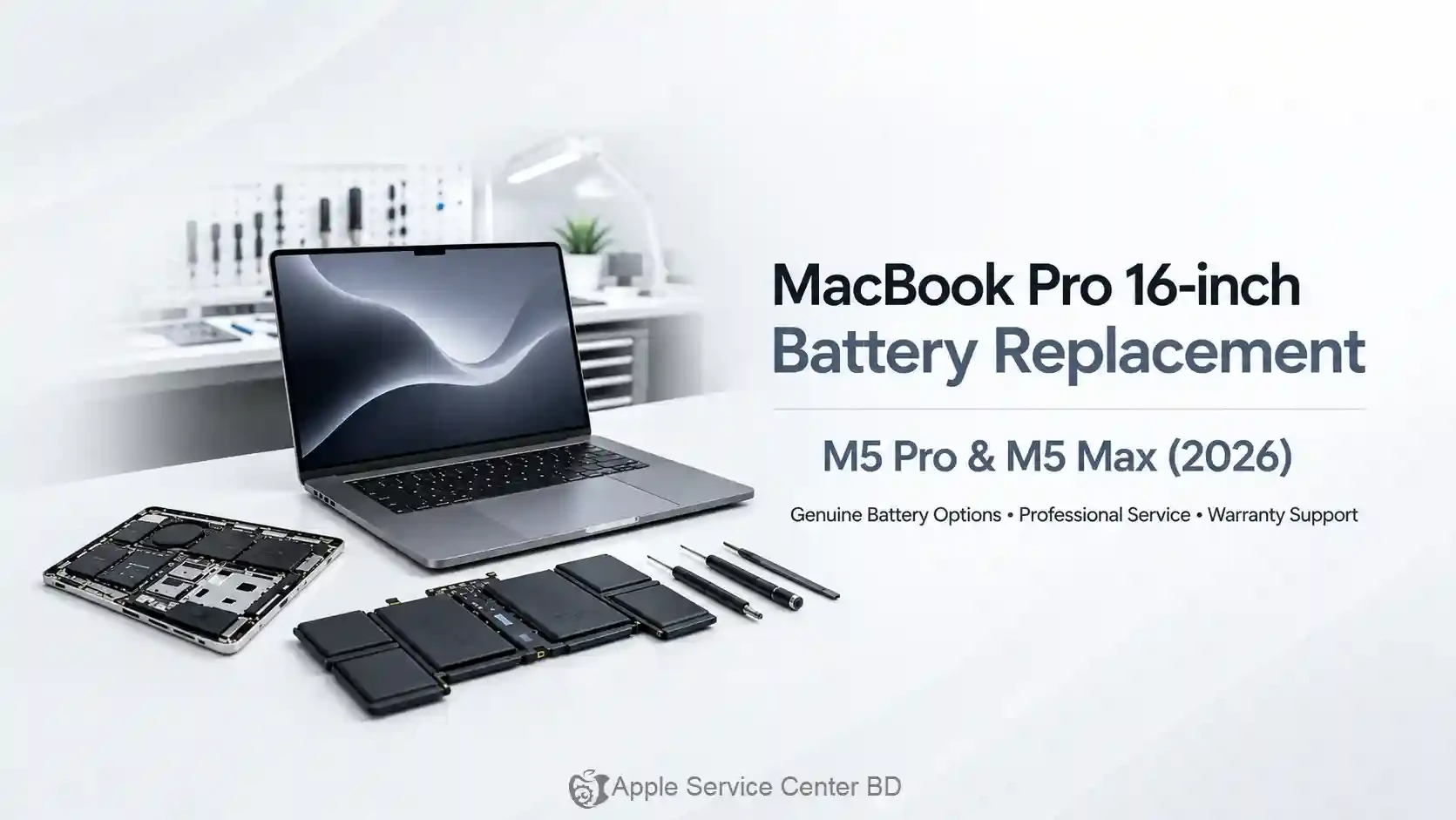

A MacBook problem can look like a software issue even when a component is failing. A laptop that will not start, charges slowly, shows lines on the display or repeats keys needs a structured check rather than a quick guess. The earlier the fault is isolated, the easier it is to protect your data and avoid replacing the wrong part.
Common MacBook problems
- Battery and charging: short runtime, sudden shutdowns, a charger that connects intermittently or a system that stays at one percentage.
- Display: flicker, lines, dark areas, a broken panel or a hinge that no longer holds the display properly.
- Keyboard and trackpad: stuck keys, liquid-related input faults or a trackpad that becomes difficult to click.
- Startup and board faults: no power, repeated restarts, unusual heat or a machine that stops after the Apple logo.
Slow performance alone does not prove that a hardware replacement is needed. Storage space, battery condition, background processes and macOS issues can all affect how a MacBook feels.
Liquid damage needs a different response
If liquid reaches a MacBook, shut it down, disconnect the charger and do not keep testing it. Do not use a hair dryer or put the laptop in rice. Heat and movement can spread contamination, while repeated power-on attempts can make an electrical fault worse. Bring the device for inspection as soon as it is safe to do so.
What a careful repair process looks like
The technician should confirm the exact MacBook model, document the symptoms and test the relevant power, display, input and board functions. You should receive an explanation of the fault, the proposed repair and the expected timeline before authorising work. After repair, the machine should be checked through startup, charging, display, keyboard, trackpad and the ports related to the complaint.
Prepare your MacBook
Back up your files if the MacBook still starts. Bring the charger and describe any recent drop, liquid exposure, update or previous repair. If the machine contains sensitive work data, ask how the repair will be handled before handing it over.
Find a MacBook service option
Start with the MacBook repair services and choose the closest model. You can also review a current model such as MacBook Pro 16-inch services. When the symptom is not clear, book a diagnosis rather than ordering a part from a generic listing.